Posts filed under Power BI

Adding Custom (SVG) Icon Hover Effects in a Single Button!

Video by: Reid Havens

With the addition of new button features and formatting options you can now implement custom (SVG) icons inside of a single button! Plus the custom icon can be unique for each button state (default, hover, and press), allowing for so many options to customize and design your buttons.
RELATED CONTENT 🔗

How to Power BI Button Effects

Download Report From The Blog Files Page

Adding Dynamic [DAX] Analytics Lines to Native Visuals in Power BI

Video by: Reid Havens

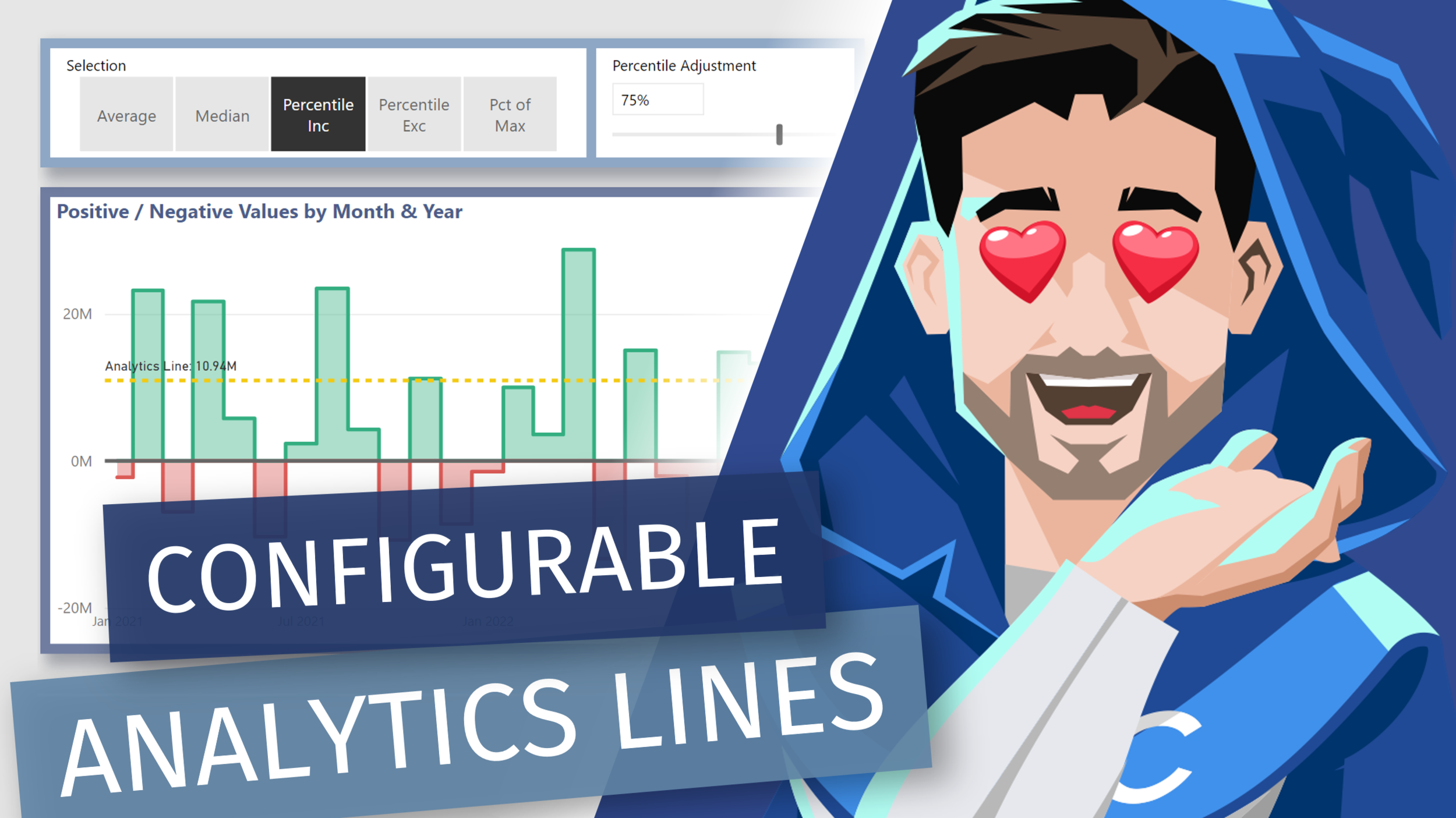
Learn how to add [DAX] measure driven values the y-axis constant lines. Allow us to essentially recreate multiple analytics lines that can be configurable by user slicer selections in Power BI.

RELATED CONTENT 🔗

Positive/Negative Line Colors

Download Report From The Blog Files Page

Creating Date (Calendar) Hierarchy Columns in Power Query

Video by: Reid Havens

Part two of two of my videos on creating a Power Query Calendar Table. In this video we’ll see how to create the necessary date columns needed for dependent and independent hierarchies.

RELATED CONTENT 🔗

Part 1: Creating a Dynamic Range Calendar Table in Power Query

Download Report From The Blog Files Page
Posted on October 5, 2021 and filed under Power BI, Intermediate, Power Query.

Creating a Dynamic Calendar Date Range in Power Query

Video by: Reid Havens

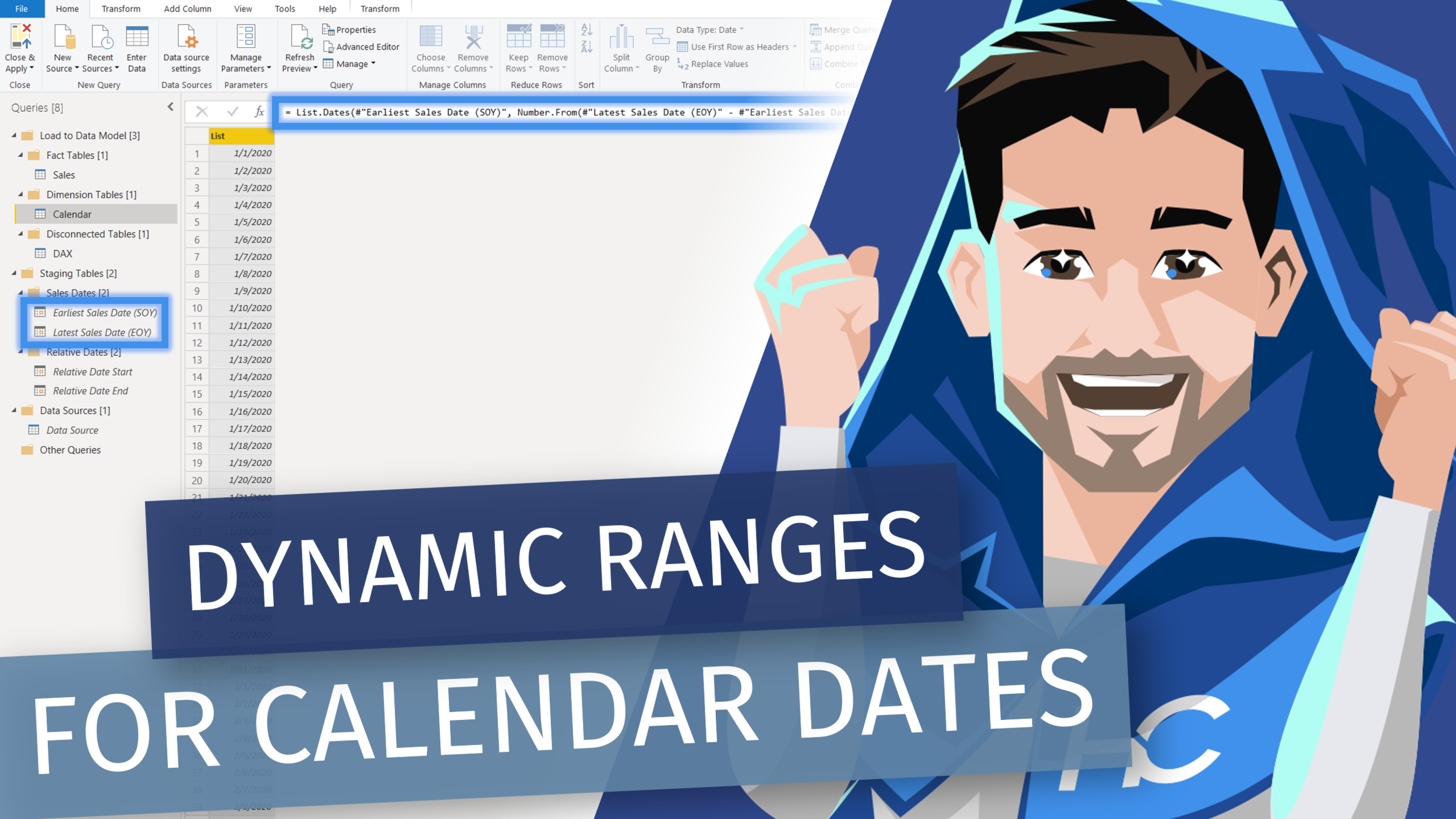
Part one of two of my videos on creating a Power Query Calendar Table. In this video we’ll see two methods for creating either a dynamic or relative date range for a calendar table created in the Power Query Editor.

RELATED CONTENT 🔗

Part Two: Creating a Dynamic Range Calendar Table in Power Query

Download Report From The Blog Files Page
Posted on September 28, 2021 and filed under Power BI, Intermediate, Power Query.